01Step 01
Copy the Pin link
Open the public Pin, then use Share or copy its browser address.
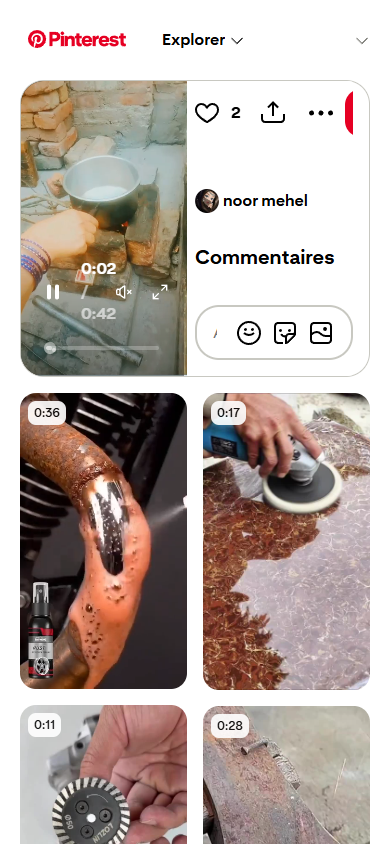 Real preview
Paste a public Pinterest link to find the video or image available on the page. No account, no clutter.
How it works
The same quick flow works on your phone and your computer.
On any device
Open the public Pin, then use Share or copy its browser address.
Real previewPaste the URL into SavePinter, then select Find media.
 Real preview
Choose the video or image you want and tap Download.
 Real preview
Built for the useful stuff
SavePinter focuses on one task: turning a public Pinterest page into clear, direct media options.
Get the resolution provided by the original public page.
Analyze links without a Pinterest login or SavePinter profile.
A clean flow that works comfortably on phones and desktops.
No permanent personal download library is created.
Good to know
Yes. You can analyze public Pinterest links without creating an account.
Public Pinterest Pin links and pin.it share links are supported. Private, deleted, or login-only content cannot be accessed.
Your browser usually saves them in the Downloads folder. On mobile, the exact location depends on your browser settings.
No media library is created. SavePinter only reads the public page you submit to find media links made available by Pinterest.